
IT Support Seattle: A Guide for Growing Businesses in 2026
Primary Keyword: IT support Seattle Secondary Keywords: managed IT services Seattle, IT provider Seattle, break-fix vs managed IT, cybersecurity for small business
If your business depends on technology to operate, unreliable IT support is not just an inconvenience. It is a direct hit to your revenue, your reputation, and your team’s ability to do their jobs. For companies searching for IT support Seattle, the real question is not whether you need it. The question is whether your current setup is actually protecting you or just putting out fires.
Here is the short answer: The best IT support for Seattle businesses is proactive, not reactive. It means a dedicated team monitors your systems around the clock, patches vulnerabilities before they become breaches, and gives you a predictable monthly cost instead of surprise invoices every time something breaks. That is the difference between managed IT services Seattle and the old break-fix model, and it is the single biggest factor in whether your technology helps your business grow or holds it back.
Key Takeaways
- Reactive IT is costing you more than you think. If a 20-person team loses even one hour of productivity to a system outage, the cost in lost billable work and recovery time adds up fast. Waiting for things to break before you fix them is the most expensive approach to IT.
- Proactive managed IT support replaces chaos with predictability. You get 24/7 monitoring, regular maintenance, cybersecurity protection, and a flat monthly fee. No surprises.
- Not all IT providers are the same. Response time, industry experience, and local presence matter enormously, especially for Seattle businesses in regulated or high-stakes industries like law, engineering, and manufacturing.
- Cybersecurity for small businesses is no longer optional. Ransomware, phishing, and data breaches target small and mid-sized businesses disproportionately. Your IT provider should have a security-first approach built into every service they offer.
- The right IT partner scales with you. Whether you are 15 employees or 150, your IT support should flex to match your growth without forcing a complete overhaul every time you hire.
What Does IT Support Seattle Actually Include?
Let’s clear up the terminology, because “IT support” gets thrown around loosely.
At its most basic, IT support means someone you call when something breaks. Your email goes down, your printer will not connect, your server crashes on a Friday afternoon. That is the break-fix model, and it is how most businesses start out.
The problem? You are paying for emergencies. And emergencies are expensive.
Break-Fix vs. Managed IT: Two Very Different Models
Think of it like car maintenance. The break-fix vs. managed IT comparison comes down to this: break-fix is driving until the engine seizes, then paying a tow truck and a mechanic for emergency repairs. Managed IT services are getting regular oil changes, tire rotations, and inspections so the engine never seizes in the first place.
Here is what a managed IT support plan typically includes:
- 24/7 system monitoring. Software watches your network, servers, and endpoints around the clock and flags issues before they cause outages.
- Help desk support. Your employees get a real person to call (or chat or email) when they have a tech problem. Response times are defined in a service-level agreement (SLA), not left to chance.
- Cybersecurity management. Firewalls, endpoint protection, email filtering, security awareness training for your staff, and incident response planning. The Cybersecurity & Infrastructure Security Agency (CISA) provides foundational guidance that any serious IT provider Seattle should be aligned with.
- Patch management and updates. Software updates get applied consistently and on schedule, closing security holes before attackers exploit them.
- Backup and disaster recovery. Your data is backed up regularly and tested for recovery, so if something catastrophic happens, you can get back to work.
- Strategic IT planning (vCIO services). A dedicated technology advisor helps you budget, plan upgrades, and align your IT with your business goals.
We provide this full range of managed IT services to businesses across Seattle and the surrounding area, working closely with companies in engineering, manufacturing, professional services, law, tech, and nonprofit sectors.
Why Seattle Businesses Are Moving Away from Break-Fix IT
The Real Cost of Downtime
Here is the part that catches most business owners off guard: the cost of IT problems is almost never just the repair bill.
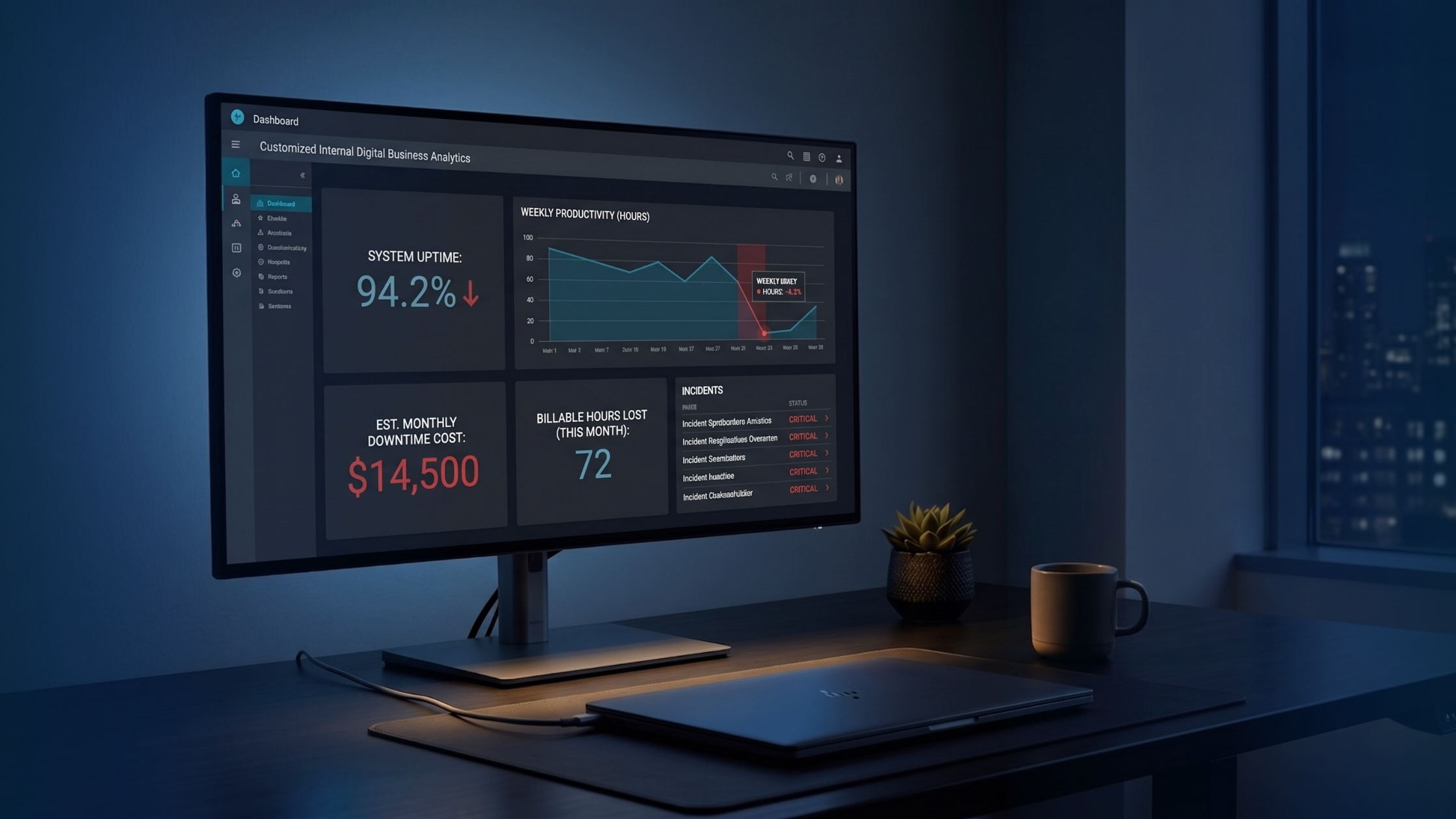
When your systems go down, your team cannot work. Billable hours evaporate. Deadlines slip. Clients notice. For a law firm managing case files, an engineering firm running design software, or a manufacturer coordinating production schedules, even a few hours of downtime can cascade into real financial damage.
And that does not account for the cost of a data breach. For regulated industries, a breach can trigger compliance penalties, client notification requirements, and reputational harm that lingers for years. The FTC’s data breach response guide outlines the steps businesses are expected to take after an incident, and the costs are substantial.
Unpredictable Costs Wreck Budgets
The break-fix model has another problem that is less dramatic but equally damaging: you cannot budget for it.
One month, IT costs you nothing. The next month, a server failure costs you $8,000. The month after that, a ransomware incident costs you $25,000 and three days of productivity.
Managed IT services Seattle replace that rollercoaster with a flat monthly fee. You know exactly what IT costs every single month, which makes financial planning dramatically easier.
Slow Response Times Kill Productivity
If your current IT provider takes hours (or days) to respond to a critical issue, your team is sitting idle the entire time. That is not a technology problem. That is a business continuity problem.
A quality managed IT provider commits to specific response times in writing. For critical issues, that typically means a response within 15 to 30 minutes, not “we’ll get to it when we can.”
How to Choose the Right IT Support Seattle Provider
Not every IT company is a good fit. Here is what to evaluate when choosing an IT provider in Seattle, especially if you are in a specialized industry.
1. Response Time Guarantees
Ask for their Service-Level Agreement (SLA) in writing. What is the guaranteed response time for critical issues? For non-critical issues? If they cannot give you specific numbers, that is a red flag.
2. Industry Experience
A law firm has different IT needs than a manufacturing company. Your provider should understand the compliance requirements, software platforms, and operational realities of your specific industry.
For example, law firms need to think about client confidentiality, ethical obligations around data security, and legal practice management software. Engineering firms need reliable performance for CAD and simulation tools, often with significant computing demands. Nonprofits need cost-effective solutions that still meet donor data protection standards.
We work with businesses across these verticals in the Seattle area, which means we understand these differences firsthand rather than treating every client the same. [See the industries we serve.]
3. Local Presence
Remote support handles most day-to-day issues. But when you need someone on-site, whether for a hardware failure, a network buildout, or a new office setup, you need a provider who can actually get there.
A Seattle-based IT company can have a technician at your office within hours, not days. That matters more than most businesses realize until they are in an emergency.
4. Security-First Approach
Ask any prospective IT provider in Seattle: “What does your cybersecurity offering include?” If the answer is just “we install antivirus,” keep looking.
Modern cybersecurity for small business requires layered protection: endpoint detection and response, email security, multi-factor authentication, security awareness training, dark web monitoring, and an incident response plan. The NIST Cybersecurity Framework is a useful reference for understanding what a mature security program looks like, and your IT provider should be able to speak to it fluently.
Your IT provider should be building this into their service from day one, not offering it as an expensive add-on. [Learn more about our cybersecurity services.]
5. Scalability
Your IT needs at 20 employees will look different from your IT needs at 80 employees. The right provider builds an infrastructure and a relationship that grows with you, adding users, locations, and capabilities without starting from scratch each time.
6. Clear Communication
This is underrated but critical. Your IT provider should be able to explain what is happening and why in plain language, not hide behind jargon. If you leave every conversation more confused than when you started, that is not a knowledge gap on your end. That is a communication failure of theirs.

What IT Support Should Cost in Seattle
Business owners always want to know this, so here is a straightforward framework.
Managed IT services in Seattle are typically priced per user, per month. For Seattle-area businesses, you can generally expect to see pricing in the range of $100 to $250+ per user per month depending on the scope of services, the complexity of your environment, and the level of support included.
Here is what affects the price:
- Number of users and devices. More endpoints means more management.
- Complexity of your environment. On-premise servers, hybrid cloud setups, and specialized software all add complexity.
- Compliance requirements. Industries with regulatory obligations (legal, finance, healthcare) require additional security measures and documentation.
- Level of support. Basic help desk versus fully managed with vCIO strategic planning.
The important comparison is not “managed IT costs X per month.” It is “managed IT costs X per month versus unplanned downtime, emergency repairs, and breach recovery costing Y per year.” For most businesses, the managed model is significantly less expensive over time.
For a detailed look at how we structure pricing for Seattle businesses, reach out for a custom quote.
Red Flags to Watch For
When evaluating IT support providers in Seattle (or anywhere), watch out for these warning signs:
- No written service-level agreement SLA. If response times and service commitments are not in writing, they are not commitments. They are hopes.
- One-size-fits-all plans. Your business is not identical to every other business. Your IT plan should not be either.
- No proactive monitoring. If they only hear from your systems when something breaks, they are a break-fix shop with a monthly invoice. Understanding the difference between break-fix vs. managed IT is the first step to avoiding this trap.
- Vague cybersecurity answers. Security should be specific, layered, and documented. “We handle security” is not a plan.
- They disappear after onboarding. A good IT partner checks in regularly, conducts business reviews, and brings strategic recommendations to the table. If you only hear from them when you submit a ticket, something is wrong.
What the First 90 Days with a New IT Provider Should Look Like
If you decide to switch providers or move from break-fix to managed IT, here is a reasonable timeline for what to expect:
Days 1 to 30: Discovery and Stabilization
We audit your entire environment: network, hardware, software, security posture, and documentation. We identify critical vulnerabilities and fix the most urgent issues immediately. We also begin documenting your systems, which is essential for efficient ongoing support.
Days 31 to 60: Optimization
With the urgent issues handled, we start optimizing. This includes rolling out standardized security policies, setting up proper backup and recovery systems, and migrating any outdated systems to modern platforms.
Days 61 to 90: Strategic Planning
By now, we know your environment inside and out. This is when we sit down with you to build a technology roadmap: what needs to be upgraded, what can wait, and how IT spending aligns with your business goals for the next 12 to 24 months.
We follow this structured onboarding approach with every Seattle business we work with to make sure the transition is smooth and the value is clear from the start.
Frequently Asked Questions
How fast should my IT provider respond to critical issues? For a critical issue (systems down, security breach in progress), you should expect a response within 15 to 30 minutes. This should be defined in your service-level agreement (SLA). If your current provider cannot commit to that, it is worth exploring other options.
Can a managed IT provider work with our existing internal IT person? Yes. Many businesses, especially mid-sized ones, use a “co-managed” IT model where the managed provider handles monitoring, security, and strategic planning while the internal IT person handles day-to-day user support. This gives your internal team backup and expertise without replacing them.
Is cloud migration something an IT support provider helps with? It should be. Moving to cloud platforms (Microsoft 365, Azure, AWS) is one of the most common projects managed IT providers handle. The key is doing it in a planned, phased approach rather than a rushed cutover. [Learn about our cloud services.]
What if we are a small team? Do we still need managed IT? If your business depends on technology to operate, yes. Small teams actually benefit disproportionately from managed IT because they do not have the resources to hire a full-time IT person but still face the same cybersecurity threats and operational risks as larger companies. Cybersecurity for small business is not a luxury. It is a baseline requirement. The SBA’s cybersecurity resources page reinforces that small businesses are increasingly targeted and need structured protection.
The Bottom Line
IT support Seattle is not hard to find. There is no shortage of providers. What is harder to find is a partner that actually understands your business, responds quickly when things go wrong, prevents most problems from happening in the first place, and communicates with you like a business peer rather than a technician reading from a script.
That is the standard we hold ourselves to for every business we work with across the Seattle area, from 10-person nonprofits to 200-person engineering firms.
If your current IT situation involves unpredictable costs, slow response times, recurring issues that never seem to get fully resolved, or a nagging feeling that your cybersecurity is not where it should be, it is worth having a conversation about what proactive managed IT support could look like for your business.
Ready to see what reliable IT support actually looks like? Schedule a free IT assessment and get a clear picture of where your technology stands today, where the gaps are, and what it would take to fix them. No pressure, no jargon, just a straightforward evaluation from a Seattle-based team that does this every day.
Last updated: May 1, 2026